Master 5 axis mills with our complete guide to desktop CNC milling. Unlock best practices, key specs, and industry solutions for reliable, high-quality custom machining. Elevate your manufacturing today.
1. Introduction
Hey there! Have you ever seen those amazing complex metal parts that seem to have curves and angles going in every direction? Like the intricate components in drones or the custom parts in high-end watches? Well, today I’m going to let you in on the secret behind creating these masterpieces – 5 axis mills.
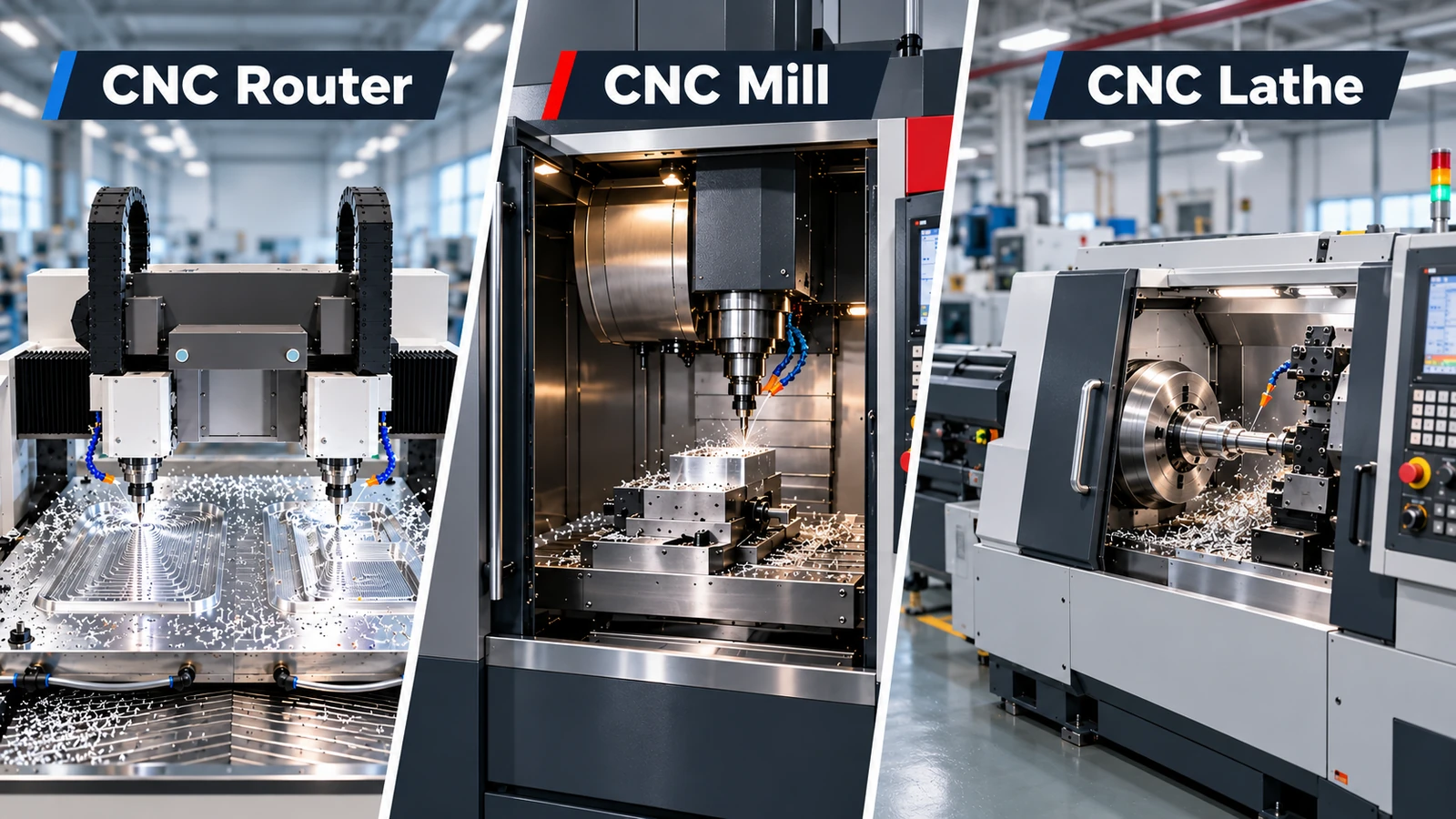
Think of 5 axis mills as the ultimate carving tool. While regular CNC machines can only move up-down, left-right, and back-forth, 5 axis machines can rotate and tilt the workpiece, reaching angles that were impossible before. It’s like the difference between carving a statue with just a hammer and chisel versus having the ability to magically rotate the marble block while you work.
In modern manufacturing, this technology is absolutely game-changing. It allows small workshops and even educational institutions to create parts that used to require massive industrial machines. In this guide, I’ll walk you through everything you need to know about desktop 5 axis milling in simple, easy-to-understand language.
2. Custom Desktop Axis CNC Milling
2.1 Desktop Axis CNC Milling Technical Specifications
When we talk about technical specifications for desktop 5 axis mills, we’re basically discussing what the machine can physically do. The most important specs to understand are the working area, spindle speed, and of course, those five axes of movement.
The working area tells you how big of a part you can make – it’s like knowing the size of paper you can put in a printer. Spindle speed determines how fast the cutting tool spins – faster isn’t always better, but it gives you more options for different materials. The five axes refer to the directions the machine can move: three linear directions plus two rotational ones.
I recently helped a jewelry designer choose a desktop 5 axis mill. She needed to create wax patterns for casting intricate rings. By understanding that she needed high spindle speed for fine details and a small working area suited to her jewelry sizes, we found a machine that perfectly matched her custom requirements without overspending.
2.2 Desktop Axis CNC Milling Quality Control
Quality control in desktop 5 axis milling is all about making sure every part comes out perfect. Since these machines can create such complex shapes, we need smart ways to verify everything is right. It’s like having a careful proofreader for your machining work.
Modern desktop 5 axis machines often include built-in probes that can measure the workpiece during or after machining. Some even have cameras that can automatically inspect parts. The machine’s software compares these measurements against your original design to catch any deviations early.
A local university lab uses their desktop 5 axis mill for student projects. They implemented a simple quality control routine where the machine automatically checks critical dimensions after finishing each part. This has reduced their material waste by over 40% because they catch errors immediately rather than after making multiple defective parts.
3. Trusted Desktop Axis CNC Milling
3.1 Desktop Axis CNC Milling Guide
Having a good guide to desktop 5 axis milling is like having an experienced friend show you the ropes. A proper guide should cover everything from basic machine setup to advanced programming techniques, all explained in plain language.
The best guides don’t just tell you what buttons to push – they explain why certain approaches work better than others. They should cover tool selection, work holding methods, and how to plan your cutting strategy. Think of it as learning the thought process behind successful machining, not just memorizing steps.
When our workshop got our first desktop 5 axis machine, we struggled with complex programming until we found a comprehensive guide that used everyday analogies. The guide compared tool paths to road maps and cutting strategies to different painting techniques. Suddenly, what seemed confusing became clear, and we were creating quality parts within weeks instead of months.
3.2 Desktop Axis CNC Milling Applications
The applications for desktop 5 axis milling are surprisingly diverse. From prototype development to small-batch production, these compact powerhouses are transforming how we make things. They’re particularly valuable where complex geometries meet limited space.
In the medical field, desktop 5 axis mills create custom surgical guides and dental implants. Educational institutions use them for teaching advanced manufacturing concepts. Hobbyists and small businesses produce everything from custom camera grips to architectural models. The ability to work with metals, plastics, and even woods makes them incredibly versatile.
I visited a small entrepreneur who makes custom prosthetic covers. Using a desktop 5 axis mill, he creates beautiful, personalized designs that fit perfectly. Each cover is unique to the user’s preferences and anatomy. His business grew from a garage operation to supplying clinics nationwide, all powered by trusted desktop 5 axis milling technology.
4. Reliable Desktop Axis CNC Milling
4.1 Desktop Axis CNC Milling Process
The desktop 5 axis milling process might seem complicated, but it’s really just a series of logical steps. It all starts with a 3D model of your part, which gets translated into machine instructions. The magic happens in how the machine approaches the workpiece from multiple angles in a single setup.
Unlike 3-axis machining that might require you to manually reposition the workpiece multiple times, a 5 axis machine handles all the complex rotations automatically. The software calculates the most efficient tool paths, avoiding collisions while maximizing material removal. It’s like having a skilled craftsperson who knows exactly how to position the material for each cut.
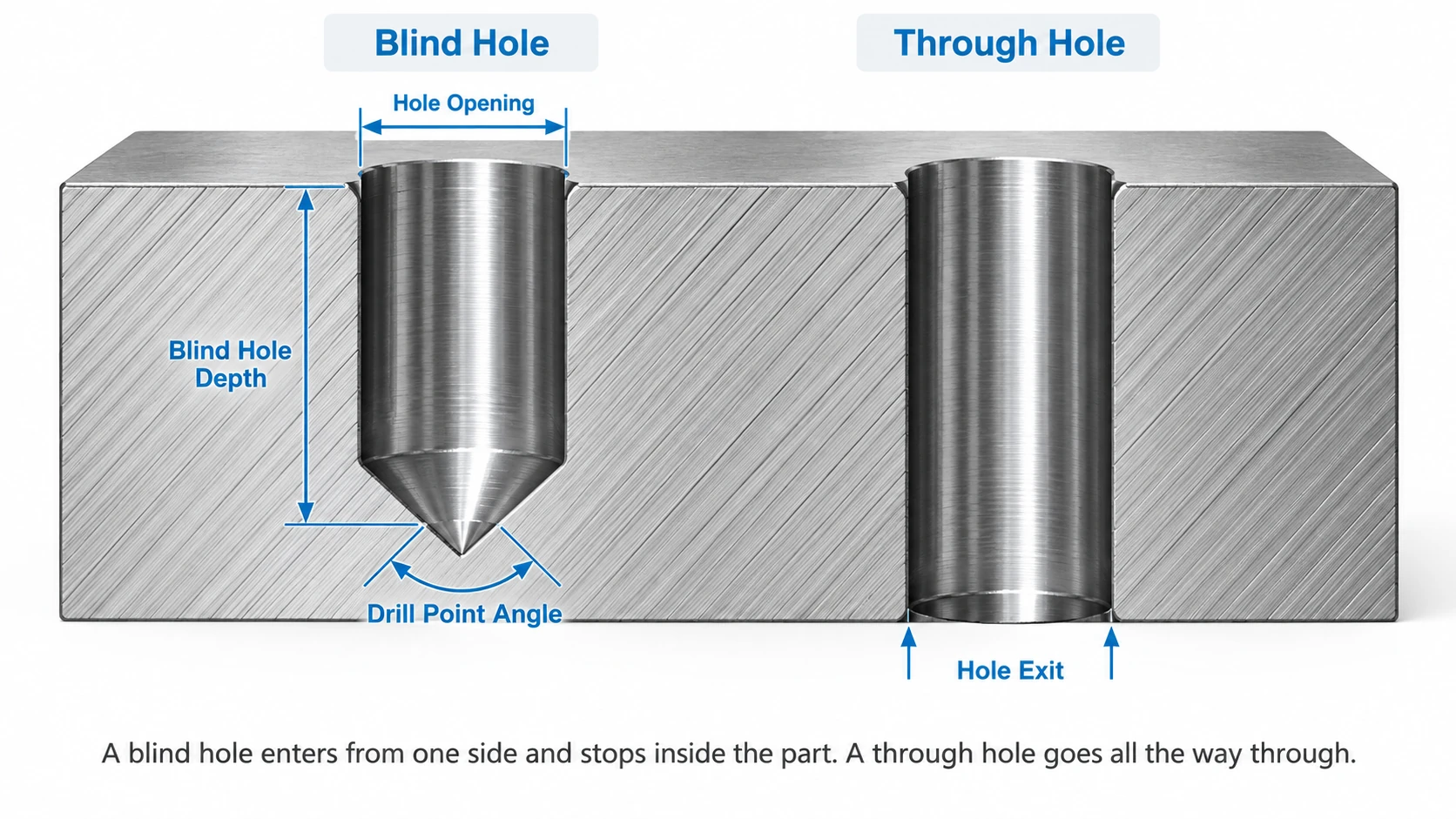
We had a project creating aluminum mounting brackets with angled holes. Using our reliable desktop 5 axis mill, we completed the parts in one operation that previously required three separate setups on a conventional machine. The result was better accuracy between features and 60% time savings on each bracket.
5. Quality Desktop Axis CNC Milling
Quality in desktop 5 axis milling isn’t just about the final part looking good – it’s about consistency, accuracy, and surface finish. A quality machine maintains its precision over time and across different materials. It’s the difference between a tool that works and one that you can depend on day after day.
The construction quality of the machine itself directly impacts your results. Look for robust frames that minimize vibration, precision ball screws that ensure accurate movement, and reliable spindle systems that maintain speed under load. These factors work together to produce parts with tight tolerances and beautiful finishes.
A friend running a prototype shop shared how switching to quality desktop 5 axis milling transformed his business. His part rejection rate dropped from 15% to under 2%, and the superior surface finish meant less hand finishing. His clients noticed the improvement immediately, leading to more repeat business and referrals.
6. Desktop Axis CNC Milling Equipment
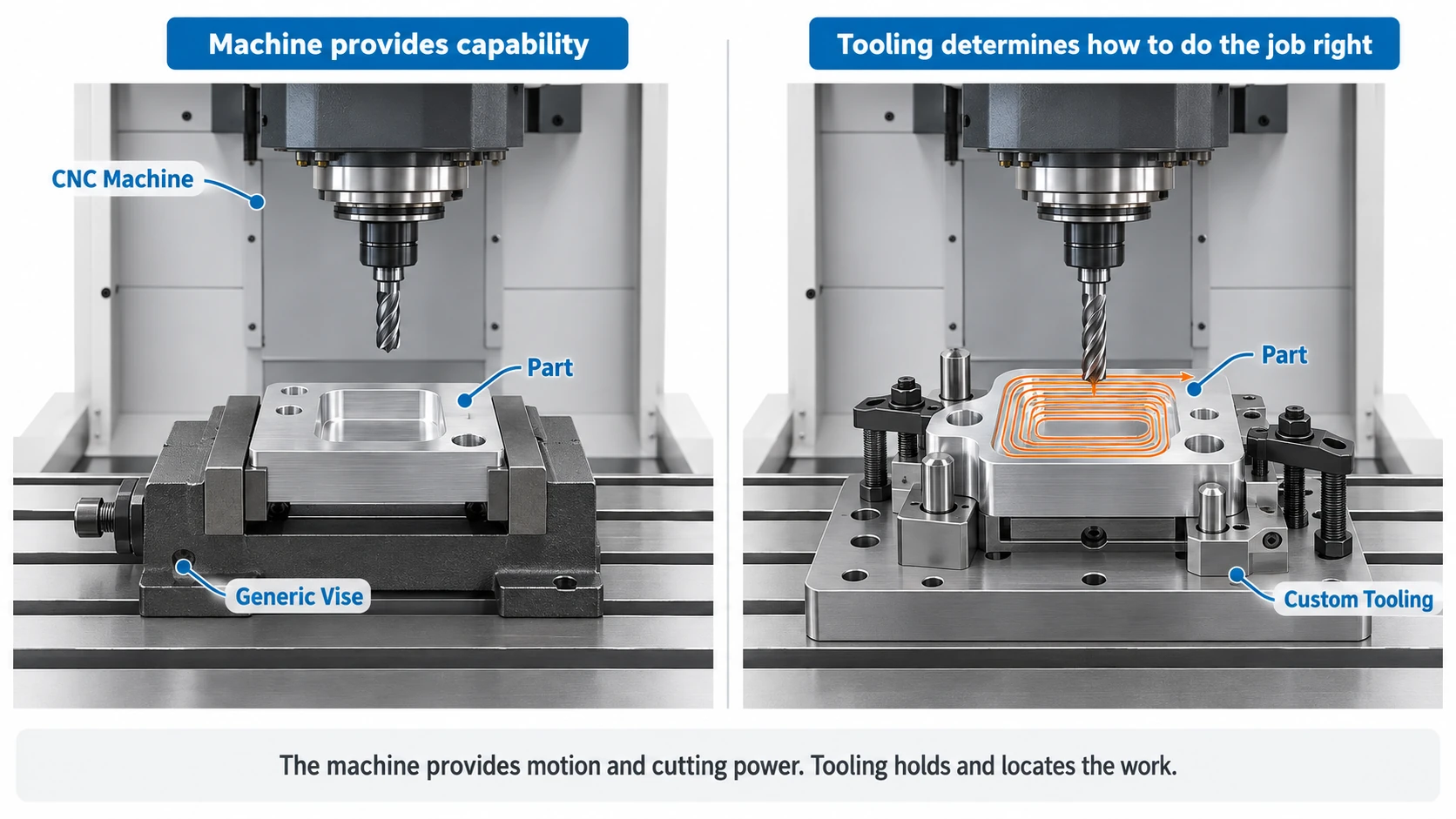
Choosing the right desktop 5 axis milling equipment requires balancing your current needs with future growth. The machine itself is just one part of the ecosystem – you’ll also need tooling, workholding, and software. Think of it as building a complete workshop, not just buying a single tool.
Consider the materials you’ll work with most often. Softer materials like aluminum and plastics require different tooling than stainless steel or titanium. The available space in your workshop matters too – desktop machines come in various footprints. Don’t forget about software; some machines include easy-to-use systems while others require separate CAM software purchases.
When our makerspace was selecting desktop 5 axis milling equipment, we created a scoring system that weighted factors like ease of use, member training requirements, and maintenance costs equally with purchase price. This helped us choose equipment that served our diverse membership best, rather than just buying the cheapest option.
7. Best Practices & Implementation Suggestions
Success Story Analysis
A small automotive restoration shop specialized in recreating discontinued parts for classic cars. They invested in a desktop 5 axis mill to make complex knobs, levers, and trim pieces. Starting with simpler interior components, they gradually progressed to engine parts and external trim.
Within a year, they reduced their outsourcing costs by 70% and could offer faster turnaround to their customers. The ability to create small batches of precise parts on demand transformed their business model from restoration to manufacturing specialty components for other shops too.
Common Problems & Solutions
Many new users struggle with workholding for complex angled cuts. The solution is to start with simpler projects and invest in modular vises and fixtures designed for 5-axis work. Another common issue is choosing inappropriate cutting tools – consult with tooling specialists who understand small-scale 5 axis applications.
Software complexity often intimidates beginners. Look for machines with integrated software that includes tutorials and good technical support. Many successful users dedicate the first month purely to learning and simple test projects rather than jumping into critical work.
Step-by-Step Implementation Guide
- Step 1: Assess your needs – what materials will you cut? What part sizes? What level of precision?
- Step 2: Research machines that match your requirements and budget
- Step 3: Plan your workspace, including power requirements and dust collection
- Step 4: Start with training materials and simple projects to build confidence
- Step 5: Gradually increase complexity as you master the fundamentals
- Step 6: Implement quality control procedures from the beginning
- Step 7: Regular maintenance will ensure long-term reliability
8. Conclusion & Future Outlook
Desktop 5 axis milling has democratized complex manufacturing, putting capabilities that were once industrial-scale into smaller workshops, schools, and businesses. The ability to create sophisticated parts in a compact footprint is transforming how we approach making things.
Looking ahead, we can expect these machines to become even more accessible and easier to use. Better software integration, more automated processes, and enhanced connectivity will make desktop 5 axis milling increasingly approachable for beginners while remaining powerful for experts.
If you’re considering entering the world of 5 Axis Machining, now is an excellent time. Start by visiting trade shows or workshops where you can see machines in action. The learning curve is manageable, and the creative possibilities are virtually limitless. Remember, every expert was once a beginner – your manufacturing journey starts with that first step.